
Skip to content

Creo

Creo 12 – Update on Creo’s Extended Capabilities

    The second instalment of our two-part Creo 12 webinar series focused enhancements to Creo’s integrated design, simulation, and manufacturing capabilities. In this article we provide the highlights of that presentation, demonstrating how Creo 12 provides industry-leading composite capabilities, expanded Model-Based Definition, improved real-time simulation, and streamlined manufacturing workflows.

    Creo 12 – Top Usability & Productivity Enhancements

      The LEAP PTC team recently ran a two-part webinar series outlining the key updates and enhancements included in Creo 12, designed to simplify workflows and improve usability. In this article we have provided video highlights of the presentation including live demonstrations of these exciting new features in action.

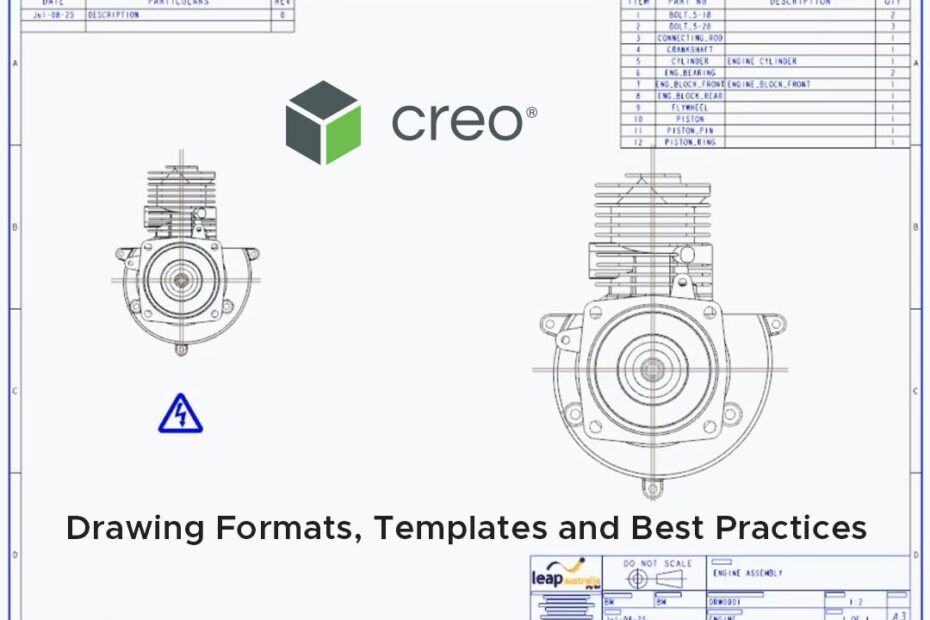
      Drawing Formats, Templates, and Best Practices in Creo

        In this post we show you how to set your team up for success with standardised drawing templates and formats in Creo. As part of our Creo Best-Practices webinar series, Ben Muston, Senior Application Engineer at LEAP recently tackled drawing formats and templates, covering title blocks, custom symbols, revision tables, repeat regions, and how to drive consistency across 2D and MBD-enabled drawings for efficient documentation processes.

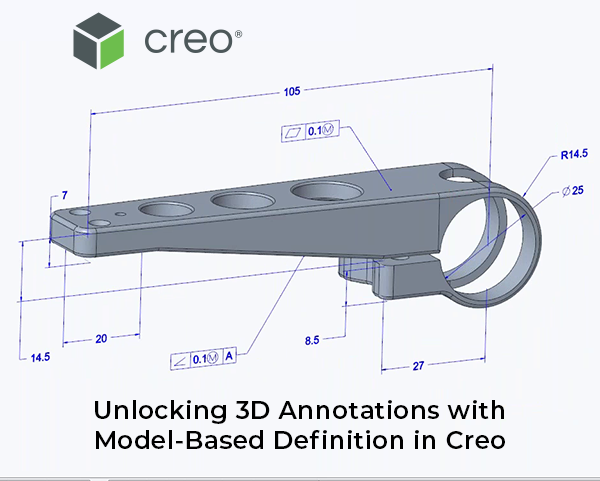
        Unlocking 3D Annotations with Model-Based Definition in Creo

          In this post we delve into the world of Model-Based Definition (MBD) and demonstrate how to embed annotation data directly into your 3D CAD models. As part of our Creo Best-Practices webinar series, Ben Muston, Senior Application Engineer at LEAP recently took a deep dive into MBD, explaining 3D GD&T, semantic references, and leveraging annotation planes. Read on and watch the highlights of Ben’s presentation to learn how your team can streamline design-to-manufacturing workflows without relying on 2D drawings.

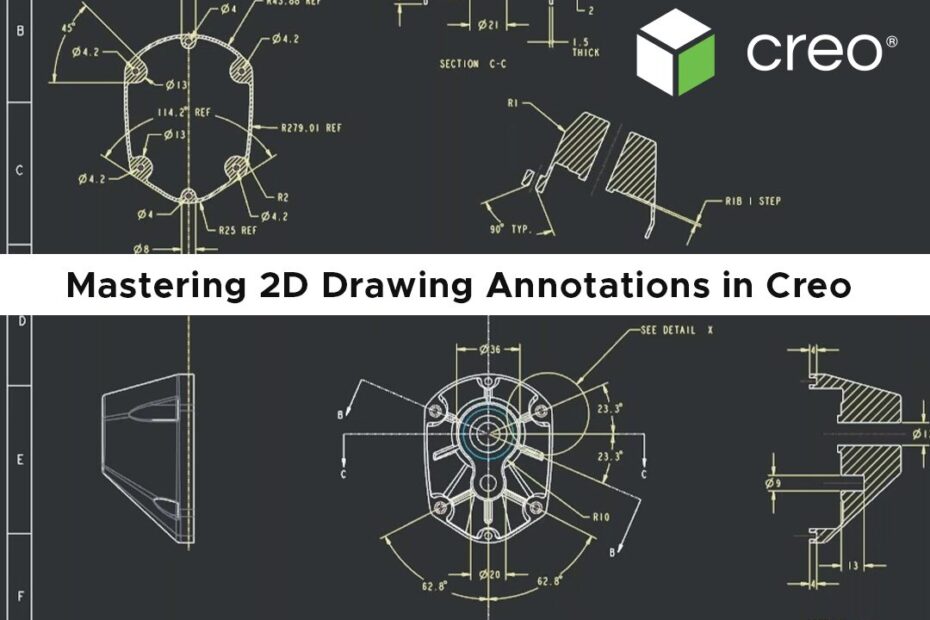
          Mastering 2D Drawing Annotations in Creo

            As part of our Creo Best-Practices webinar series, Ben Muston, Senior Application Engineer at LEAP recently took a deep dive into the fundamentals of 2D annotations within the Creo Parametric drawing environment. Here we have provided the highlights from this session which will guide you through creating clear, compliant 2D technical drawings with views, dimensions, notes, symbols, and GD&T annotations. Read on to learn how to improve the clarity and manufacturability of your 2D outputs.

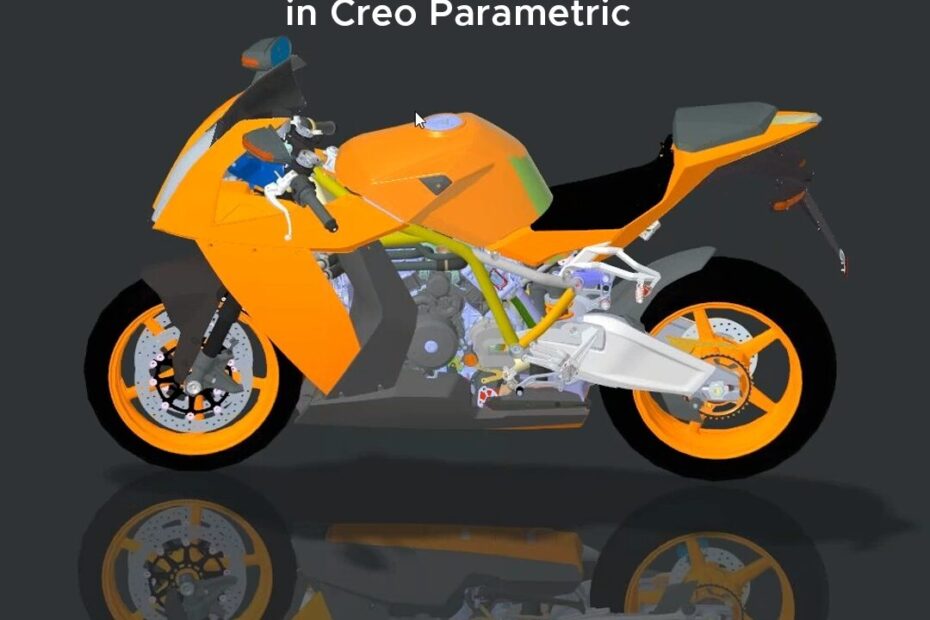
            Simulation Driven Design with Creo at LEAP Australia

            Simulation Driven Design with Creo

              LEAP’s PTC team recently presented a webinar that explained how adding real-time simulation tools to the beginning of your development workflow gives engineers instant feedback on their design changes, as they work, and provides valuable insights on which design directions to explore next. This article summarises the presentation and provides the highlights of the recording including a live demonstration of Creo’s simulation capabilities.

              Managing Simplified Representations in Creo Parametric

                Managing large assemblies in CAD can be challenging, often affecting system performance and hindering your design process. The LEAP Creo team recently ran a webinar that explored the power of Simplified Representations in Creo Parametric, demonstrating how to transform how you work with large assemblies. In this article we have summarised the webinar and provided highlights of the recording – read on to learn more about efficient assembly retrieval, simplified representation tools and how to boost system performance in Creo Parametric.

                Creo 10 Highlights - LEAP Australia

                Creo 10 Highlights

                  As a PTC Platinum Partner for almost 20 years, we can confirm that Creo 10 is the best Creo release yet – with brand new composite design and analysis tools and enhancements to design for electrification, MBD, ergonomics design, simulation-driven design, advanced manufacturing and more.

                  Earlier this year, LEAP team took Creo 10 on the road with live, in-person launch events hosted across Australia and New Zealand which included presentations of key release highlights. This article provides you with the best of these presentations, including live demonstrations.

                  Creo Composite Design & Manufacturing (CDM) extension

                    The Creo Composite Design & Manufacturing (CDM) extension provides a fully-integrated Composite Design environment in Creo to design and manufacture parts built using composite layups. This article summarises our recent webinar that provided a detailed look at Creo’s new composite design capabilities and a live demonstration of the extension in action. Read on and watch clips of the recording to learn more.

                    Boost Innovation with Creo Simulation

                      The final installment of the Innovate with Creo series covers the latest in Creo’s simulation capabilities including a demonstration of Creo Simulation Live, which provides instantaneous simulation capabilities to study the structural stresses, fluid dynamics and heat transfer effects for your model inside Creo.