Skip to content

Simpleware

Advanced 3D image processing tools and features to enhance all your 3D image visualisation and analysis workflows

3D Image Data Visualisation, Analysis and Model Generation with Simpleware
 
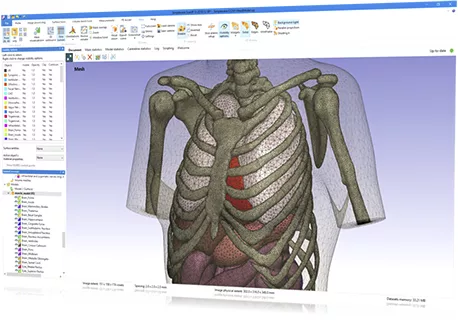
Simpleware software offers complete 3D image segmentation and model generation solutions for going from scans to 3D models.
 
Accurately process images, obtain measurements and statistics, and export high-quality models to design, simulation and 3D printing applications.

Volume Mesh Tools

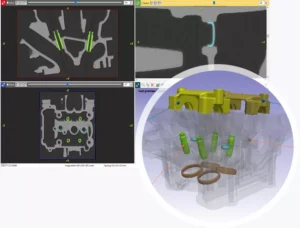
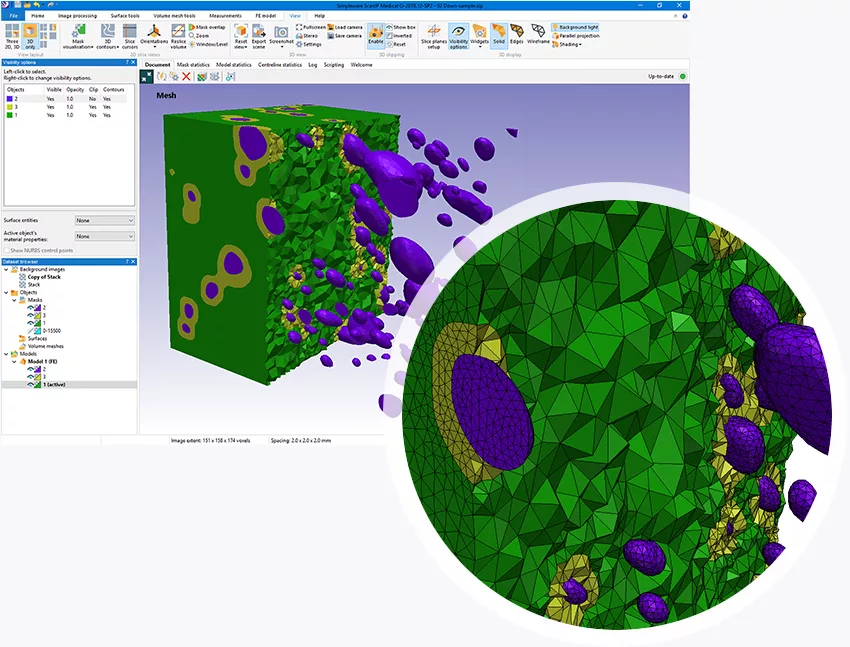
Direct route from image data to simulation. Generate volume meshes that are ready to use in leading FE/CFD solvers. Customise models with a wide range of options to meet specific simulation needs, including contact surfaces, boundary conditions, and material properties.

Surface Tools

Import and interactive positioning of surface objects within 3D image data.

Create NURBS models for import to CAD packages or pass updates directly between your CAD package and Simpleware to speed up iterative product design workflows.

Image Processing

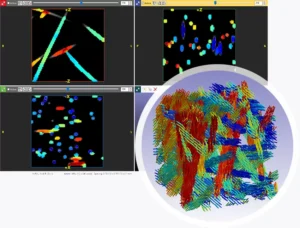
Extensive selection of image visualisation and processing tools to manage complex 3D and 4D scan data. Seamlessly handle challenges such as poor contrast, artifacts, and low-resolution images to achieve accurate results with ease.


3D Printing

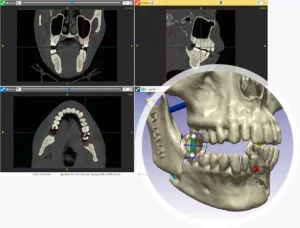
Dedicated tools designed to rapidly convert imaging data into print-ready models. Efficiently prepare, analyse, and inspect models tailored for 3D printing. Export in a range of file formats for a smooth transition from digital to physical part.

Auto Segmentation

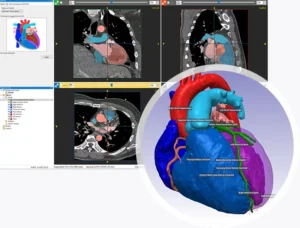
Anatomy-specific automated segmentation tools for ankle, CMF, heart, hip, knee, shoulder, and spine data using Machine Learning (ML) algorithms, and automatically identifies common key landmarks.

Measurements

Robust analysis and quantification tools for masks, models, and centerlines. Interactively measure and quantify data across a wide range of metrics, tailored for both global and local regions of interest. Create custom statistics templates and reports for instant insights.

Simpleware Volume Mesh Tools

Image-Based Meshing for FEA & CFD

Simpleware software provides a direct route from image data to simulation. Generate volume meshes that are ready to use in leading FE/CFD solvers. Customise models with a wide range of options to meet specific simulation needs, including contact surfaces, boundary conditions, and material properties. Rely on meshing software that generates simulation-ready models, with no need for postprocessing or fixing.

Why Use Simpleware Software for Volume Meshing?

Image-Based Meshing for FEA & CFD

Simpleware software provides a direct route from image data to simulation. Generate volume meshes that are ready to use in leading FE/CFD solvers. Customise models with a wide range of options to meet specific simulation needs, including contact surfaces, boundary conditions, and material properties. Rely on meshing software that generates simulation-ready models, with no need for postprocessing or fixing.
Want to learn more about Synopsys Simpleware?

Complete the form and one of the experts from our team will contact you to discuss your needs.

Contact LEAP Australia for Technical Support for KeyShot, Moldex or Flownex

During Standard Operation Hours (08:30-17:00 AEST/AEDT, Mon-Fri)


When calling from a mobile phone please dial:

Australia+61 2 8966 7820


*Our commitment to you is that your call will be acknowledged as soon as possible and no later than 30 minutes after receipt during normal office hours.

Contact LEAP Australia for Technical Support for PTC Software

During Standard Operation Hours (08:30-17:00 AEST/AEDT, Mon-Fri)


When calling from a mobile phone please dial:

Australia+61 2 8966 7820

Outside the standard working hours


*Our commitment to you is that your call will be acknowledged as soon as possible and no later than 30 minutes after receipt during normal office hours.